Edit Segments
Any Committed Segment in the site may be edited at any time.
Move Waypoints and Segments
To move a waypoint or a segment, follow the steps below.
Enter Move mode by clicking Move on the Mode Selector.
Or press M on your keyboard.
(Optional) Switch to the axis or plane you want to move in by pressing its corresponding shortcut key.
Refer to the Select the view and axis to draw in section for the shortcut keys.
You can move the entire segment or just a waypoint.
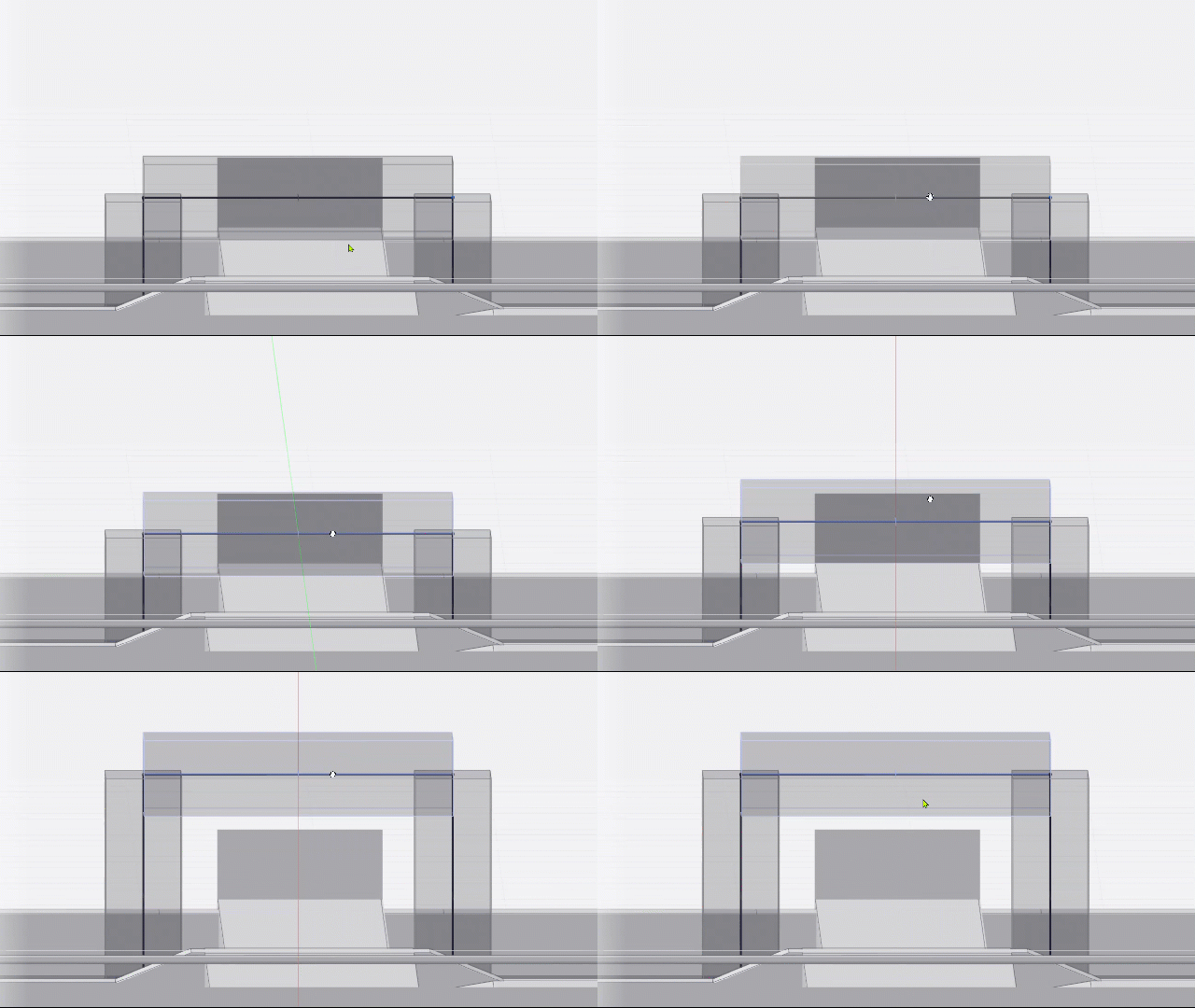 To move the entire segment, click and drag the segment itself.
Because the segment’s two waypoints move along with it, other segments connected to those waypoints will follow.
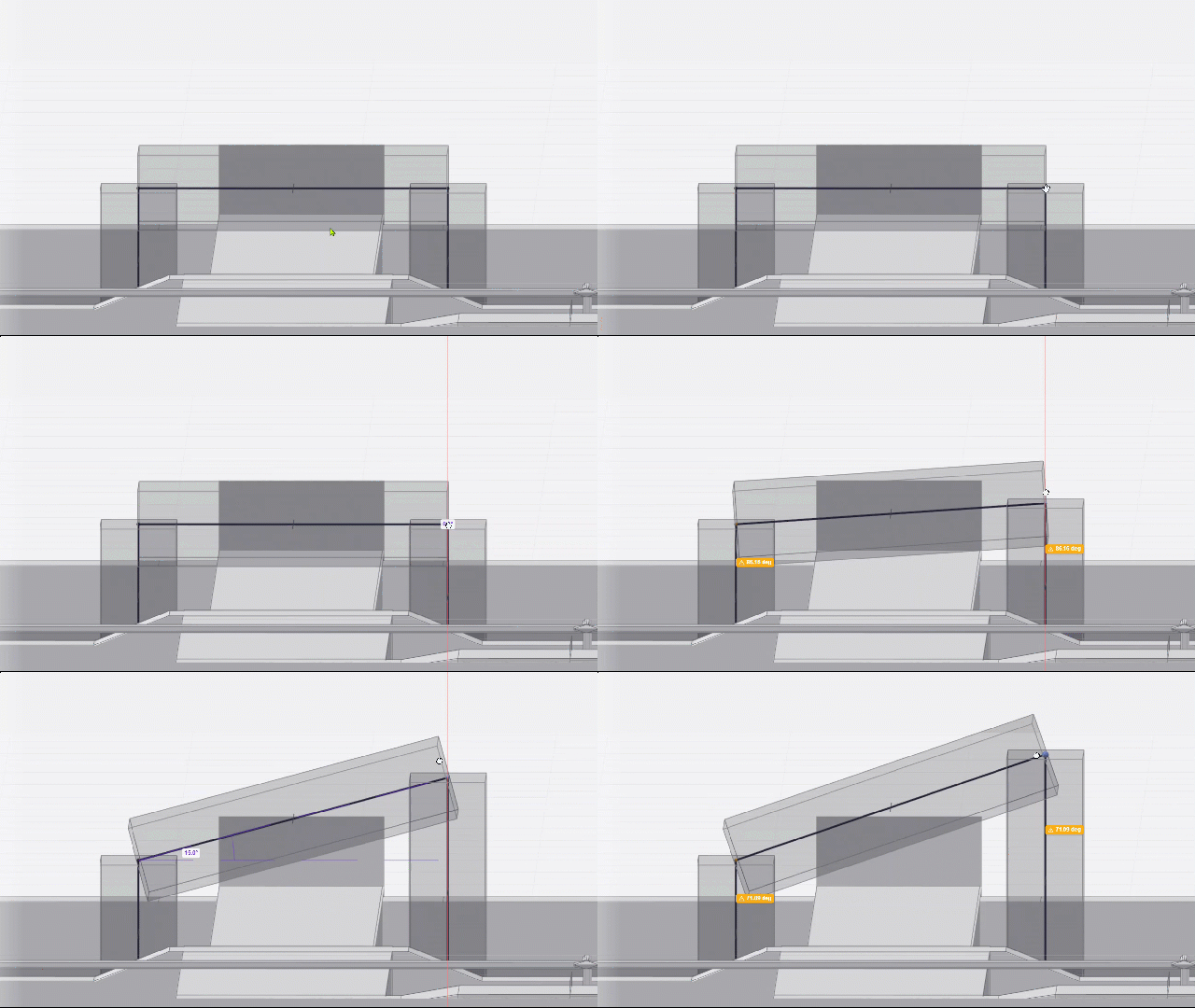 To move only one end of a segment, click and drag the waypoint you’d like to adjust.
This allows you to change the slope or angle of the segment.
All segments connected to the point will adjust as well.
Delete Segments
Any segment in the model may be deleted.
Enter Select mode.
If you’re in either Draw or Move mode, press Esc on your keyboard.
Delete a single segment or all unassigned segments.
To delete a single segment, follow the steps below.
Hover your cursor over the segment you’d like to delete.
Once the segment is highlighted, left-click on it to select.
Press Del on your keyboard.
.png) Unassigned segments don’t connect a raceway’s Source and Destination, and may get in the way while you’re drawing or navigating through the site.
Unassigned segments don’t connect a raceway’s Source and Destination, and may get in the way while you’re drawing or navigating through the site.
To easily clean up the view, simultaneously delete all Unassigned Segments, and their routes by following the steps below.
Click the
 Delete unassigned segments button.
In the pop-up dialog box, click the
 Delete button.
This action may be undone by pressing Ctrl + Z on your keyboard.
Next Steps
Once the raceway’s Source and Destination connects with each other, Clashes are detected and may be resolved in the route.